
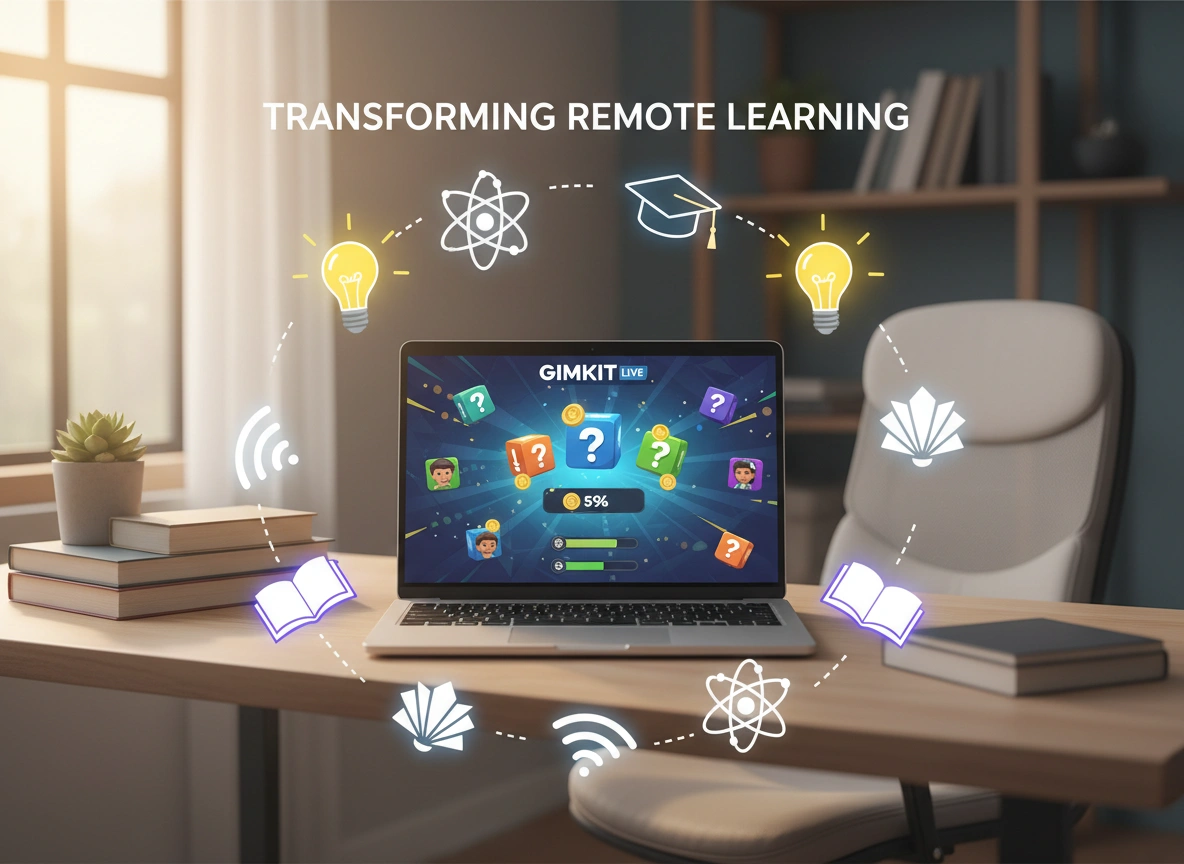
Why Gimkit is a Game-Changer for Remote Learning
Remote learning presents a unique set of challenges. We’ve all seen the black Zoom squares, the hesitant silence after a question is asked, and the struggle to keep students motivated when they aren’t in the same physical room. Traditional teaching methods don’t always translate well through a screen. You need tools that do more than just digitize a worksheet; you need platforms that inject energy, competition, and genuine interaction into the virtual space.
Enter Gimkit.
Created by a high school student who felt disengaged in his own classes, Gimkit isn’t just another quiz app. It operates on a different wavelength entirely, blending rapid-fire assessment with strategy and economic game mechanics. For educators navigating the tricky waters of remote or hybrid learning, it has become an indispensable asset.
This article explores why Gimkit stands out in the crowded ed-tech landscape, how it transforms student engagement from passive to active, and the tangible benefits it brings to virtual classrooms.
Beyond the Standard Quiz: What Makes Gimkit Different?
Most educational game platforms follow a linear path: answer a question, get points, move to the next question. While platforms like Kahoot! or Quizizz are fantastic for quick reviews, Gimkit adds a layer of depth that keeps students hooked for longer periods.
The core differentiator is the in-game economy. When students answer questions correctly, they don’t just get points on a leaderboard—they earn virtual cash. They can then use this cash to purchase upgrades, power-ups, and insurance policies.
The Strategy Element
This economic layer changes the dynamic completely. A student who isn’t the fastest reader or the quickest to answer can still win through smart investments. They might buy a “Streak Bonus” to capitalize on a series of correct answers, or a “Multiplier” to increase their earnings per question.
In a remote setting, where you can’t rely on physical energy or room movement, this strategic depth is crucial. It keeps the brain active not just on the content, but on the process of learning. Students aren’t just recalling facts; they are managing resources.
Repetition without Boredom
One of the biggest hurdles in remote learning is drilling core concepts without putting students to sleep. Gimkit solves this by allowing questions to cycle. Students might see the same question three or four times in a single session. Because they need the cash to buy upgrades, they don’t mind the repetition—in fact, they welcome it because it’s an easy way to earn currency. This leads to mastery through iteration, a powerful pedagogical tool that often feels like a chore in other formats.
Boosting Engagement in the Virtual Classroom
The term “engagement” gets thrown around a lot in education, but in remote learning, it is the metric that matters most. If a student is logged in but mentally checked out, learning isn’t happening.
Competing for a Cause
Gimkit offers modes that are specifically designed to foster collaboration, which is often missing in remote environments. The “Team Mode” or “Trust No One” (inspired by the popular game Among Us) requires students to work together—or figure out who is working against them.
For example, in “Thanos Mode,” students work together to collect the Infinity Stones before the game snaps half of them away. This shared goal creates a sense of camaraderie that transcends the digital barrier. Suddenly, the chat box lights up with strategies, warnings, and encouragement.
The “KitCollab” Feature
One of the most powerful features for engagement is KitCollab. Instead of the teacher creating all the questions, students submit their own. The teacher approves or rejects them in real-time, and the approved questions become the game.
This gives students ownership over their learning. In a remote setting, where students often feel like passive recipients of information, KitCollab turns them into creators. They have to understand the material well enough to formulate a good question and the correct answer.
Tangible Benefits for Educators
While student engagement is the headline, the benefits for educators are the foundation. Remote teaching involves a heavy administrative load, and Gimkit helps lighten it.
Data-Driven Instruction
Gimkit provides detailed reports after every game. You can see exactly which questions stumped the class and which students are struggling. In a physical classroom, you can walk around and look at papers. In a virtual one, this data is your eyes and ears.
If 60% of the class misses a question about the Pythagorean theorem, you know immediately that you need to re-teach that concept before moving on. This real-time feedback loop allows for agile teaching, adjusting your lesson plan based on actual performance data rather than assumptions.
Homework and Asynchronous Learning
Not all remote learning happens live. Gimkit allows teachers to assign “Kits” as homework assignments. Students can play at their own pace, outside of class hours. Because the game mechanics are so addictive, students are far more likely to complete a Gimkit assignment than a traditional worksheet.
This is particularly useful for flipped classrooms, where students review concepts independently so class time can be used for discussion and application.
Practical Examples: Using Gimkit Effectively
How does this look in practice? Here are a few scenarios where Gimkit shines in a remote environment.
1. The Bell Ringer
Start your Zoom or Google Meet session with a quick 5-minute Gimkit game. Use it to review material from the previous day. It wakes students up, gets them interacting immediately, and gives you a quick pulse check on retention.
2. The Exam Review Tournament
Instead of a dry review sheet, host a Gimkit tournament. Set a high monetary goal (in-game currency) and let them play for 20 minutes. The repetition ensures they see every question multiple times. To raise the stakes, the top three earners could win a small privilege, like choosing the music for the next independent work session.
3. Vocabulary Building
For language arts or foreign language classes, vocabulary acquisition relies heavily on repetition. Create a Kit where questions simply match words to definitions. The speed and repetition of Gimkit make it an ideal vehicle for memorizing terms without the monotony of flashcards.
Impact on Learning Outcomes
The ultimate question is: does it work? Does playing a game actually lead to better grades and deeper understanding?
Anecdotal evidence from the pandemic era suggests a resounding yes. Teachers report that students ask to play Gimkit. When students ask to review material, the battle is half won.
By gamifying the assessment process, Gimkit lowers the stakes of failure. In a traditional quiz, a wrong answer is a red mark. In Gimkit, a wrong answer is just a temporary setback that can be fixed with the next question. This encourages a “growth mindset.” Students learn that failure isn’t permanent; it’s just part of the process of getting better (and richer, in game terms).
Furthermore, the “Answer Check” feature allows students to see the correct answer immediately after they miss a question. This instant correction is far more valuable than getting a graded paper back three days later. It corrects misconceptions in the moment, cementing the right information while the brain is still engaged with the problem.
Conclusion: A Tool for the Modern Era
Remote learning is not going away. Even as schools return to physical buildings, the digital infrastructure built during the pandemic remains. Hybrid learning days, virtual tutoring, and digital homework are part of the new normal.
Gimkit isn’t just a band-aid for distance learning; it is an evolution of how we review and assess knowledge. It recognizes that the modern student is a digital native who responds to interactivity, agency, and instant feedback.
By turning the repetitive drudgery of rote memorization into a high-stakes strategic game, Gimkit captures attention in a way few other tools can. For the educator looking to bridge the digital divide and spark genuine excitement in their virtual classroom, Gimkit is indeed a game-changer.
Next Steps for Educators
If you haven’t tried Gimkit yet, here is your action plan:
- Create a Free Account: Visit the Gimkit website and sign up. The free version offers plenty of functionality to get started.
- Search the Library: Don’t reinvent the wheel. Search for existing “Kits” related to your subject. You can copy and modify them to fit your needs.
- Run a Test Game: Try it with a small group or a colleague to understand the mechanics of the shop and upgrades.
- Launch with KitCollab: For your first class session, try the KitCollab feature. It’s the easiest way to get buy-in because the students help build the game.
Please vist this website for more info
previous post
